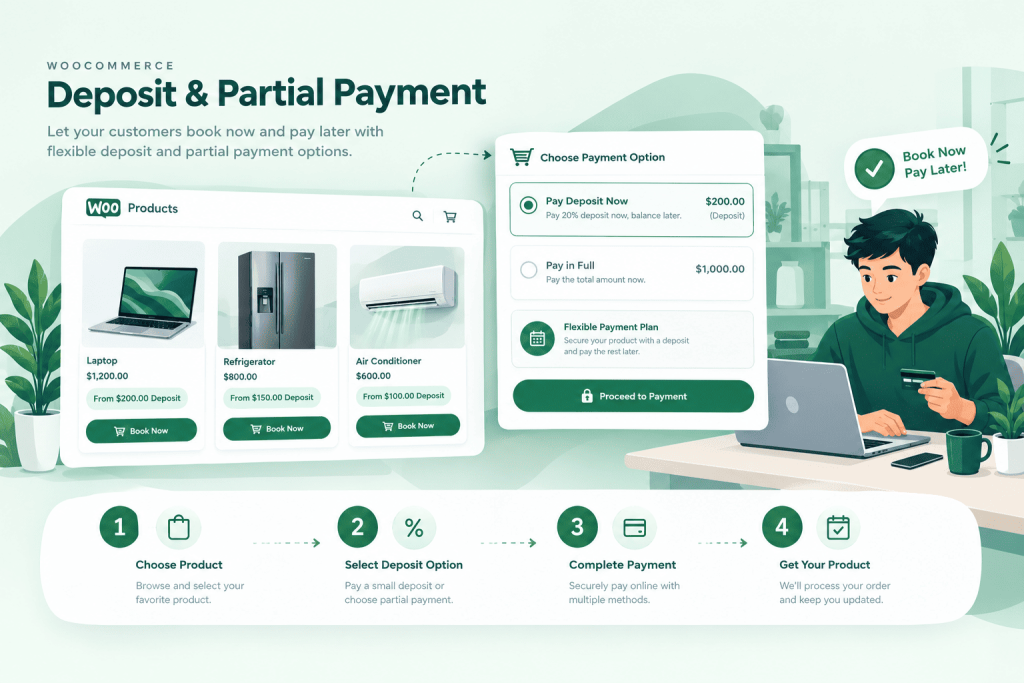
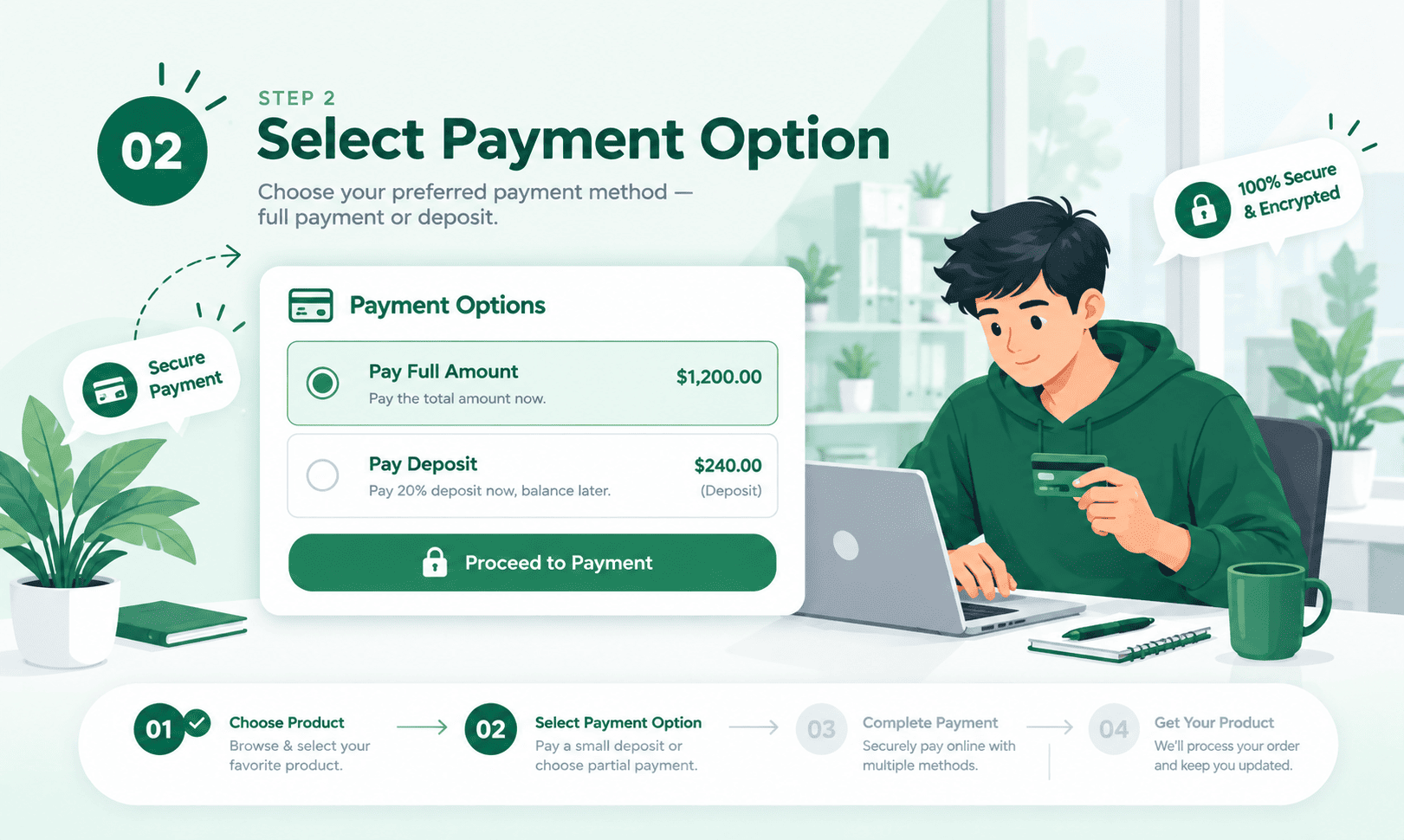
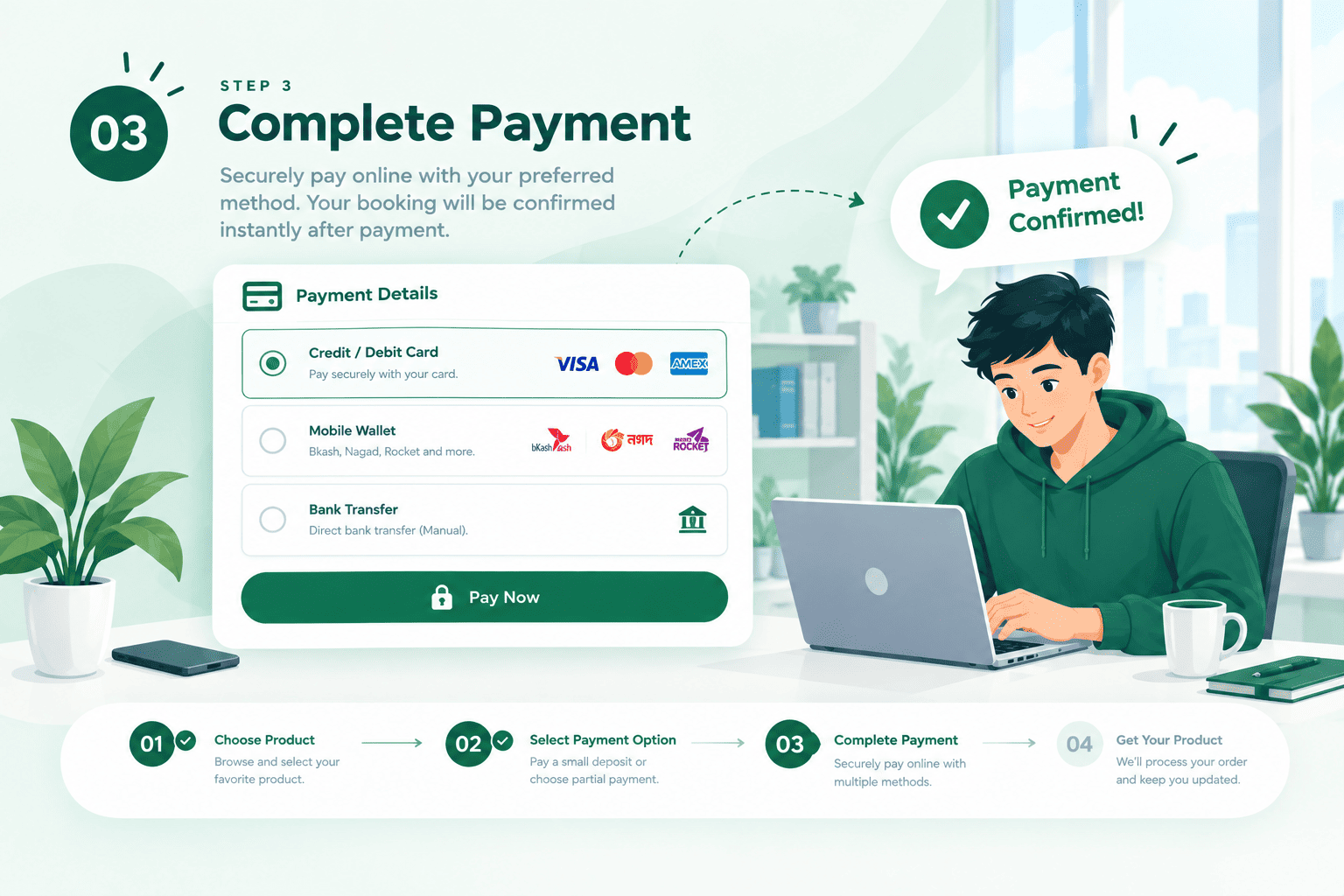
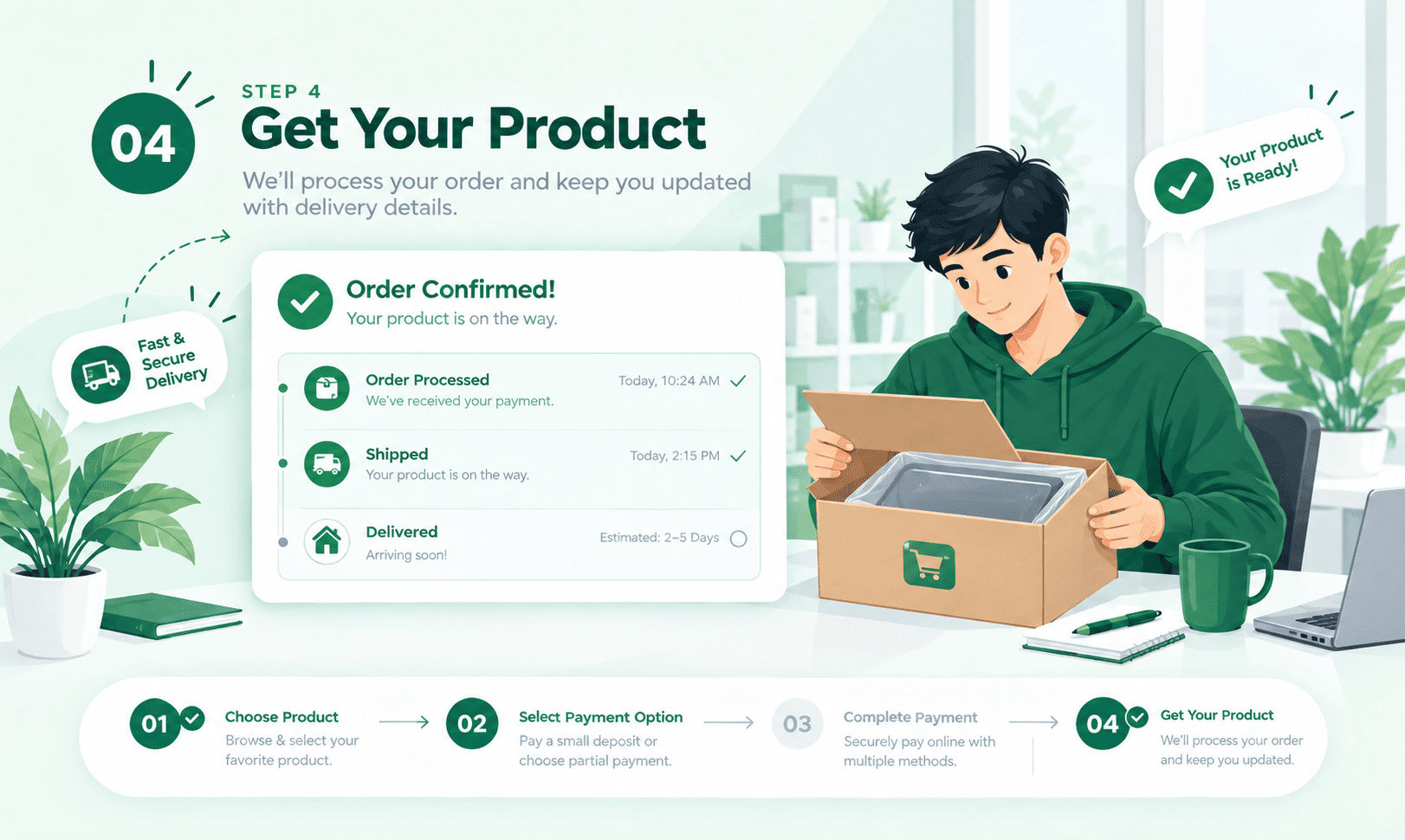
What happens if a customer doesn't pay the remaining balance?
The order stays marked “Partially Paid” until it's settled. With the Pro addon, you can send automatic reminders and optionally auto-cancel the order after a grace period.
Does this work on every product, or do I have to turn it on per item?
You choose. Set a global default deposit rule for the whole store, then turn it on or off for any individual product or category.
Is the deposit a fixed amount or a percentage?
Either — set a flat amount or a percentage of the price, whichever makes sense for that product.
How do I know what's still owed on an order?
Every order shows its remaining balance in the admin, and the Deposit Reports dashboard rolls up every open balance across the store.
Can a customer pay the balance in more than one payment?
With Flexible Payments (Pro), yes — they can pay any amount, whenever they like, until the order is paid in full.
Ready When You Are
Start collecting deposits on your own store today.